
 Subscription website
 Website models
 Custom software
 Consulting
 Hosting and domains
 Tech calculator
 About Us
 AI Vision
 Roadmap
 Blog
Blog Shop
Shop AI Soft Points
 Contact
Strong passwords: how to protect your accounts
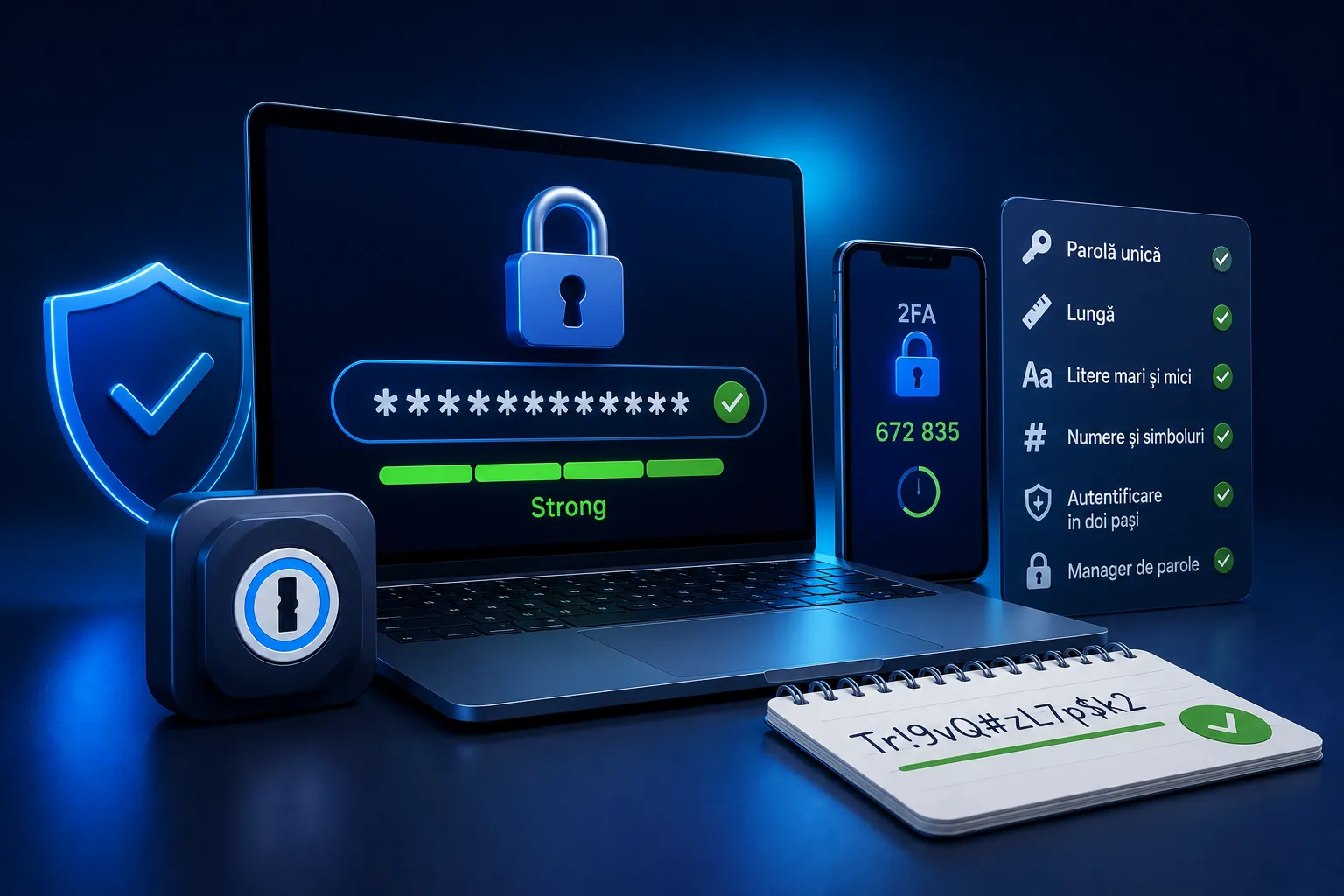
Most hacked accounts aren't the result of spectacular attacks but of weak or reused passwords. A few simple habits can protect your money, your email and your online identity.
What makes a good password
- Long. Length matters more than complexity. A phrase that's easy to remember but long is safer than a short word with symbols.
- Unique. Your email password shouldn't be the same as the one for an online shop. If one leaks, the others stay safe.
- No obvious details. Don't use your name, your date of birth or 123456.
Turn on two-step verification
Two-step verification means that, as well as your password, you need a code sent to your phone or generated by an app. Even if someone finds out your password, they can't get in without the second step. It's one of the strongest protections there is, and you can switch it on for your bank, your email and your social media.
Use a password manager
You can't remember dozens of long, different passwords, and you don't have to. A password manager stores them all securely, and you only need to remember one. That way you're no longer tempted to reuse the same password everywhere.
Signs that an account has been compromised
Activity you don't recognise, messages sent without your knowledge, password reset requests you didn't make. If you notice anything like this, change your password immediately and turn on two-step verification.
Why it matters
Your online accounts are the keys to your money and your identity. Protecting them isn't complicated; it's simply a matter of habit. Start today with your main email account, as it's the key to all the others.
Was this useful? Let us put it into practice.
Tell us briefly what you need and we will reply within 24 hours at most. No obligation.
Comments (0)
Be the first to leave a comment.